Stop Retyping the Same DM: A Quick Reply Setup for Instagram Business
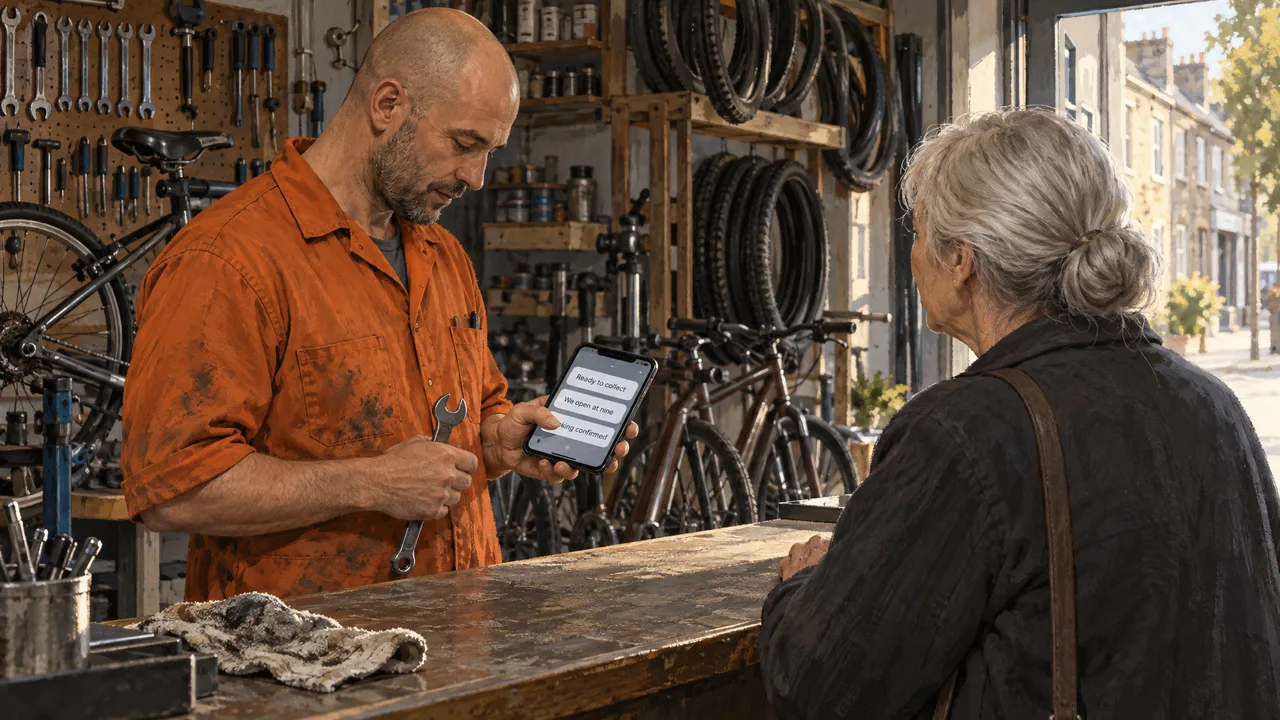
Quick reply messages for business Instagram are short saved answers you insert into a DM with a slash shortcut, and the whole payoff comes from writing them before you need them. A saved reply only saves time if your whole team can reach it, and the native version inside the Instagram app cannot do that.
The setting itself takes a minute to find. The work that decides whether it helps is the wording and where the copy lives. Get those right and every common question becomes two taps. Get them wrong and you have built a second inbox that only one person can open.
Table of Contents
- Saved Replies Are a Speed Tool, Not an Autopilot
- The Criteria That Separate a Working Reply Library From a Folder of Drafts
- Building the Library, Shortcut by Shortcut
- Reading the Signals That Say Set This Up Now
- Why Reply Systems Break in Real Inboxes
- Where Sociocs Sits in This Workflow
- Frequently Asked Questions
Saved Replies Are a Speed Tool, Not an Autopilot
A quick reply is a block of saved text you trigger on purpose, not an automatic responder that fires when a stranger messages you. Instagram’s native version stores text under a short shortcut inside the app; you type the shortcut in a DM and the full message appears, ready to send. You still press send. You still decide whether it fits.
That distinction matters because the search results for this topic blur three different things: saved replies, keyword automations that answer first and hand over later, and the broad category of an Instagram DM reply tool that merges channels.
What it serves is repetition. A bakery gets the same three questions about custom cakes, hours, and allergens every week. A repair shop gets the same photo request before a quote. Saved replies turn those into a consistent, accurate answer that does not depend on which staff member happens to be holding the phone.
Instagram’s own replies sit inside one account, on one device, for one person. That is the edge worth knowing, because if three people answer your DMs, you have three separate libraries that drift apart within a month.
The Criteria That Separate a Working Reply Library From a Folder of Drafts
Judging a reply setup by how many messages it holds is the wrong test. Judge it by whether the right person can reach the right answer under pressure. These are the checks worth running.
- Shortcut logic. A shortcut is the slash word you type to pull up a reply. Good libraries use one rule for all of them, such as a slash plus the first four letters of the question. Mixed rules produce a library nobody remembers.
- Length against the preview. A saved reply that runs past a few lines collapses behind “more” in the DM list. Keep the core answer in the first two lines so it reads on a lock screen.
- Who can reach it. Native replies are personal. A tool that shares a reply library across the team keeps the wording identical no matter who answers, which is the difference between a brand voice and five brand voices.
- The handoff line. Every reply about price, availability, or a complaint should end by naming the next step, because a fast answer that leads nowhere is just a faster dead end.
- Channel coverage. If your customer asks the same question on Instagram and on WhatsApp messages, a reply that exists on only one channel means you retype it on the other.
The stakes are not abstract. Nearly three-quarters of consumers expect a response to a social media message within 24 hours or sooner, according to The 2025 Sprout Social Index. The same report also found that 73% of consumers say they’ll buy from a competitor if a brand doesn’t respond on social media. A saved reply is how a small team meets that expectation without hiring.
Building the Library, Shortcut by Shortcut
Start with a list of questions, not with the reply editor. Pull the last month of DMs and count what people actually asked. The phrases you think you write rarely match the phrases customers send, so let the inbox decide the list.
- Group the messages into a short set of intents: price, availability, hours and location, how-to, and complaints. Five or six intents cover most small business DMs.
- Write one reply per intent in plain, direct language that answers the question in the first sentence and names the next step in the last.
- Assign each reply a shortcut following your single rule, and write the rule down somewhere the team can find it.
- Test each shortcut in a real DM to yourself, then read it on a phone screen the way a customer would.
- Save the source copy in a shared document so the wording survives staff changes and can be pasted into a new tool without retyping.
The mechanism behind this is simple: a saved reply compresses a decision your team makes a hundred times into a decision it makes once. That only holds if the wording is stable and reachable. A reply library that lives on one person’s phone is a single point of failure, and the day that person is off, the team slows back down to typing.
This is also where a narrow Instagram-only view breaks. If your DMs, comments, and other channels run through separate tools, you end up rebuilding the same replies in each one, and they drift apart. Keeping a master copy and pairing it with a broader comment reply tool that handles comments as well as DMs keeps the answer consistent wherever the customer shows up.
Reading the Signals That Say Set This Up Now
You have a decision to make, and it turns on volume and coverage rather than preference. If one person answers your DMs and the questions repeat, the native shortcuts are enough to start and cost nothing but time.
If more than one person touches the inbox, the native version starts to fail you. That is the signal to move the library somewhere shared, because the value is not the saved text, it is the shared text. The same applies when the same question arrives on Instagram, WhatsApp, and your website form; one library beats three.
There is a timing signal too. Set the replies up before a campaign or a promotion sends a burst of DMs, not during it. Retrofitting a reply system while the inbox is on fire guarantees rushed wording and inconsistent answers to the same question.
Worth knowing before you build: the messaging world shifts under you. Where Google Business Messages went is a good reminder that a channel can change ownership or shut down, so keep your reply copy in a document you control rather than only inside one app’s editor.
Why Reply Systems Break in Real Inboxes
The most common failure is building the library around phrases instead of questions. A business saves a reply called “shipping” when the customer’s real question is “will it arrive before Friday.” The shortcut gets typed, the answer misses, and the staffer rewrites it anyway. Build around the intent the customer has, not the label your catalog uses.
The second failure is treating saved replies as automation. Someone expects the shortcut to answer after hours and stops watching the inbox. It does not send anything on its own, so the customer waits, and the wait is what loses them. Saved replies speed up a human answer. They do not replace one.
A third trap is where the copy lives. Teams that set up shortcuts on personal phones discover on a busy day that the person working from a computer cannot reach the same library, so half the team retypes while the other half uses shortcuts. Consistency collapses first, speed second.
Long replies are a quieter failure. A saved reply that dumps every detail into one block reads like a form letter, and customers notice. Keep the saved text to the answer and the next step, then follow up personally once the customer replies.
Then there is the shortcut nobody else knows. A library is a shared language; if the rule for naming shortcuts lives in one person’s head, new staff never find the replies they need and the library slowly dies.
Where Sociocs Sits in This Workflow
We built Sociocs for the team that answers the same questions across more than one channel.
The point of the shared inbox is the reply library and the history behind it. When several people answer DMs, a saved reply travels with the team instead of living on one device, and the conversation that came before stays visible. Our online form builder and Google Reviews and Google Q&A tools work from the same place, so the questions that arrive through a form or a review do not get a different answer than the DM.
We are honest about fit. If you are a one-person shop answering a handful of DMs a day, Instagram’s built-in shortcuts cost nothing and cover you fine. If you need deep CRM syncing or phone support inside the same tool, look at what those tools actually include before you switch. Our ground is speed across channels with reviews, forms, and messaging under one roof.
If answering messages faster is the goal, the library is the place to start. Reach us through our contact page to talk through the channels you run, and check the pricing page for the tier that matches your volume.
Frequently Asked Questions
What is a good auto reply message for Business?
A good one answers the question in the first line and names the next step in the second. Something like “Yes, we have it in stock. Keep it short enough to read in a notification preview, avoid sounding like a form letter, and always give the customer a clear action so the fast reply still moves them forward.
What are examples of quick reply messages?
Common examples cover hours and location, price ranges, availability, how to book, and how to handle a complaint. A price reply might say “Our range starts here; reply with what you need and we’ll confirm.” An availability reply confirms and holds. A complaint reply thanks the customer and offers a direct route to a person who can fix it.
How to make auto reply on Instagram Business?
Open a DM in the Instagram app, go to the settings inside that conversation, and save a reply under a short shortcut. In the DM, type the shortcut and the saved text appears, and you send it yourself. That native version does not fire automatically and stays on your account, so a team that shares an inbox needs a tool that shares replies across people.
What’s a good DM on Instagram?
A good DM is short, personal, and ends with a question or a clear next step. Open with the customer’s name or the specific thing they asked about, answer in a sentence, then invite the reply that moves the conversation to a purchase, a booking, or a resolution. Skip the wall of text and the copy-paste tone; the reply is a conversation, not a broadcast.