Send SMS Message From Outlook and You'll Learn Why Replies Never Come Back
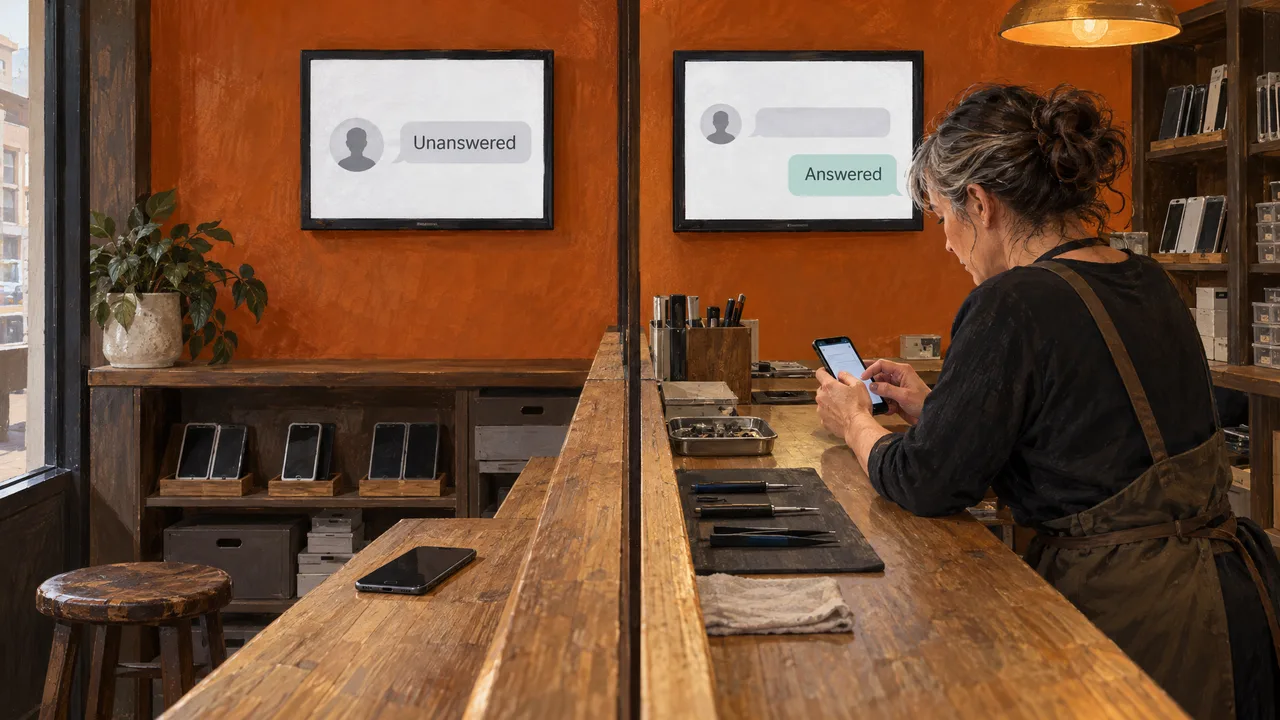
You cannot send an SMS message from Outlook through a built-in feature anymore: Microsoft retired Outlook’s own text capability after Office 2010, and the add-ins that filled the gap are thin bridges to a phone number.
For a single “running late” note, that thin bridge is fine. For a customer who texts back, it is the wrong architecture. A customer text is not a message, it is the start of a thread, and the thread has to land somewhere a team can see it.
Table of Contents
- What Sending a Text From Outlook Meant, and Why the Door Closed
- What to Check Before You Trust Any Route to a Phone
- How the Message Travels, Step by Step
- When the Manual Route Is Enough and When It Isn’t
- Frequently Asked Questions
What Sending a Text From Outlook Meant, and Why the Door Closed
A text message is a short mobile message carried by a carrier; an SMS message from Outlook was Microsoft’s way of handing one to that carrier on your behalf, and that handoff is what disappeared. For a while, Outlook 2010 with Office Mobile Service or Exchange Server 2010 could send and receive texts as Microsoft’s own support thread explains. Recent versions carry no such feature, and if you have ever wondered whether the difference between a text message and an SMS matters here, it does: the channel belongs to the carrier, not the mail client.
The web version closed later and just as firmly. Microsoft shut off text message notifications in Outlook on the web on September 30, 2020, and users can no longer create or edit them per Microsoft’s support answer. Nothing in your ribbon is broken. The service behind it was retired.
What to Check Before You Trust Any Route to a Phone
Judge a route by four things, in this order.
- Can the recipient reply to the same thread, and does that reply reach a shared inbox? If the answer is “one person’s email,” the route fails at message two.
- Does the carrier still support it? AT&T shut down its email-to-text and text-to-email service on June 17, 2025, so customers can no longer send or receive texts using email per AT&T. A gateway that closes under you is not infrastructure.
- Does it handle pictures and long messages? MMS is how you send a photo of a receipt, a form, or a location pin. A route that strips attachments limits what you can say.
- Can you prove consent? The TCPA, and other regulations, requires a business to give clear and conspicuous information about its practices and get the recipient’s express written consent before sending an automated message per SUNY Schenectady’s SMS terms. The same law codifies that texts fall under the National DNC Registry per the Federal Register.
How the Message Travels, Step by Step
Outlook does not talk to a phone. Something in the middle translates, and knowing which layer you are relying on tells you how it breaks. If you want the plumbing in more depth, how the SMS gateway really carries a message covers it.
- Your message leaves Outlook as an email, addressed to a gateway address that encodes a phone number.
- The gateway receives it, strips the email formatting, and hands the text to a carrier for delivery.
- The carrier delivers to the handset. This is the point where a personal reply begins its journey back, and where most routes fall apart.
- The reply arrives at whichever inbox the gateway ties to that number, which is rarely the thread you started.
A real platform replaces steps one and four. In our product, business text messaging runs on Twilio and Telnyx with MMS support, and the same inbox carries WhatsApp Business messaging with click-to-chat, Instagram DMs, Facebook Messenger, Telegram, Google Reviews, and Google Q&A. You can push a single message programmatically through the messaging API that sends an individual message. Replies land in the shared inbox instead of a personal mailbox.
When the Manual Route Is Enough and When It Isn’t
Ask one question: does the outcome depend on a reply? If not, the manual workaround holds. You are texting yourself a reminder, pinging a colleague, or forwarding a link. Nothing is lost when the answer goes nowhere useful.
The personal-computer route has its own line. Pairing your phone to Windows lets you send and receive texts from the desktop, and Microsoft’s own documentation warns that when Messages permission access is given, sensitive data can be synced, such as 2FA SMS text per Microsoft Support. That is a fine arrangement for your own phone and a bad one for a support queue: one device, one permission, one person.
Customer conversations settle it the other way. If a customer texts back about an order, a booking, or a complaint, you need history, assignment, and a record of opt-in. Getting the message out is only half of the job. We built the rest of that job into one inbox, and our Free plan opens with 2 channels and 1,000 messages a month, while Premium is priced around the setup you actually run. If your texts carry customer weight, start the conversation with us rather than wiring a gateway to a mailbox.
Frequently Asked Questions
Can you send SMS messages from Outlook?
Not through a built-in feature in current versions. Microsoft retired the Outlook 2010-era text capability and shut off text message notifications in Outlook on the web on September 30, 2020. What remains are third-party add-ins and email-to-SMS gateways, and each one depends on a carrier or service outside Microsoft’s control. Treat any of them as a temporary bridge, not a place to run customer messaging.
Can I send an email as an SMS message?
You can address an email to a carrier gateway address that maps to a phone number, and the carrier converts it into a text. The limits are structural. The message arrives as plain text, pictures usually do not survive, and a reply does not come back to your thread. For a quick one-way note to your own phone, that is acceptable. For a customer, it is a dead end.
Is email-to-SMS discontinued?
In places, yes, and the trend runs one way. AT&T shut down its email-to-text and text-to-email service on June 17, 2025. Other carriers have gone the same route for spam and spoofing reasons. A gateway still working today can close without notice, which is why a business should not build a customer process on one. Route through a platform that owns the delivery path instead.