Promotion Text Examples That Earn a Reply, Not Just a Click
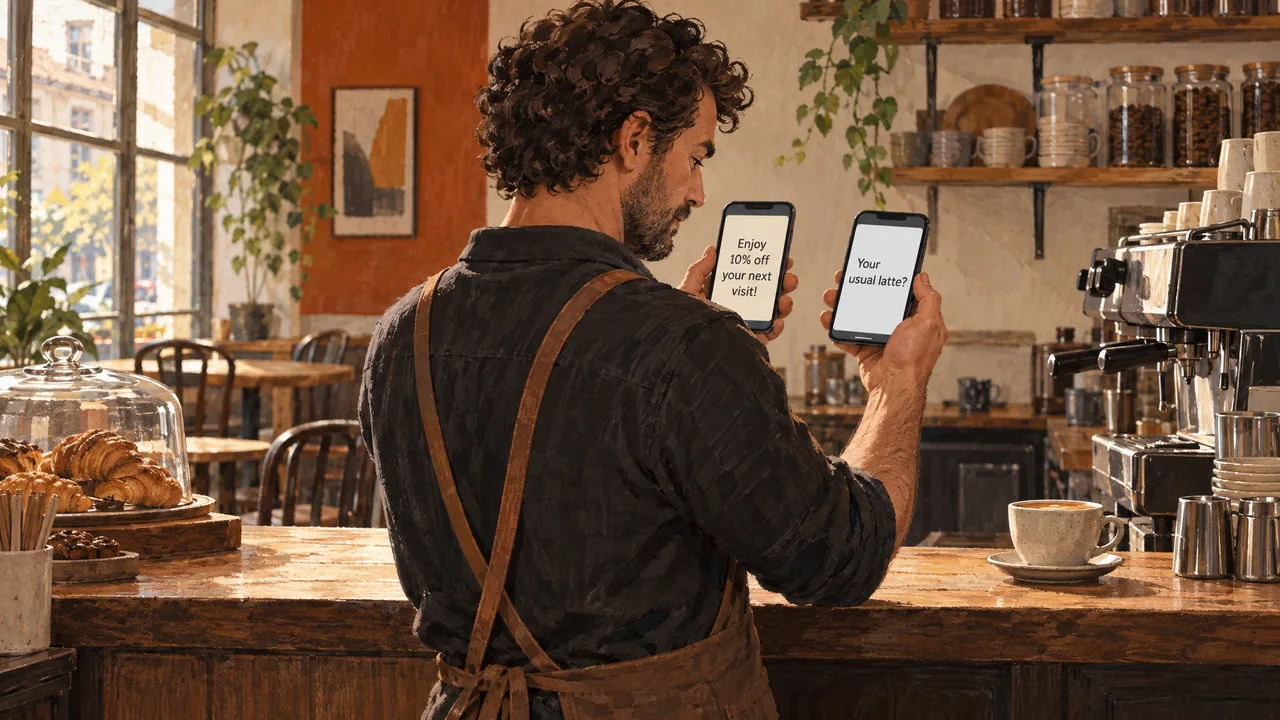
Twelve promotion text examples, written out and ready to adapt: a welcome offer, a restock alert, a win-back nudge, a birthday treat, a review request, an event RSVP, a seasonal closeout, a loyalty milestone, a referral push, a cart reminder, a flash sale, and a feedback ask. Every one of them works the same way: it gives the reader a reason to answer, not a reason to swipe away.
The trait the strongest examples share is not clever copy. It is that each one is written as if a customer asked for it. A promotion text reads differently when the business assumes the recipient opted in last week and remembers why. That assumption shapes length, timing, and what the message asks for. The examples below are built around it.
Twelve Promotions, Written Out
Each item is a template you can adapt, not a script to paste. The brackets mark where your own product, deadline, or offer goes. Text message abbreviations in business are used sparingly here, because a promotion that reads like a riddle loses the reader at the first line.
The Welcome Offer
“Welcome to [Business]. Here’s [offer] on your first order, good through [date]. Reply HELP for help, STOP to opt out.” This is the example nearly every list needs first, because it sets the tone: short, specific, and it names the exit. Keep the offer in the first sentence and the compliance line last. A welcome text that buries the discount under a paragraph of greeting gets ignored.
The Restock Alert
“You asked about [product]. It’s back in stock as of today, and [quantity] units are moving fast. Want us to hold one? Reply YES.” Restock alerts outperform generic blasts because they answer a question the reader already asked. The reply prompt matters: it turns a one-way announcement into a conversation your team can pick up.
The Win-Back Nudge
“We miss you at [Business]. It’s been a while, so here’s [offer] if you want to pick up where you left off. Valid until [date].” A win-back text works when it acknowledges the gap honestly instead of pretending the customer never left. Keep the offer small enough to feel like a welcome back, not a desperate discount.
The Birthday Treat
“Happy birthday from [Business]. Your [offer] is on us this month. Show this text in store or use code at checkout.” Birthday texts are permission-friendly because customers expect them, but they fail when the offer expires the same day it sends. Give the reader a month, not a morning.
The Review Request
“Thanks for your order at [Business]. If we did well, a quick review helps other customers decide. [link]. Reply STOP to opt out.” This example earns its place because it pairs a thank-you with a small, specific ask. It also links review management to the same inbox your team already reads.
The Event RSVP
“You’re invited: [event] at [Business] on [date]. Seats are limited to [number], so reply YES to save yours.” Event texts live or die on the deadline being real. If the seats are not actually limited, the scarcity line reads as a trick, and the reader learns to ignore your next send.
The Seasonal Closeout
Closeout texts work best when the deadline is true and stated plainly. This is the one example where urgency earns its place, because the offer genuinely disappears.
The Loyalty Milestone
“You’ve hit [milestone] with [Business]. Here’s [reward] as a thank-you, and it’s yours until [date].” Milestone texts reward the customers who already spend with you. They convert poorly as acquisition but strongly as retention, which is why they belong near the end of a campaign, not the start.
The Referral Push
“Know someone who’d love [Business]? Share your code and you both get [reward].” Referral texts work when the reward is concrete and mutual. A referral message that only benefits the sender reads as a chore, and the customer forwards it to nobody.
The Cart Reminder
“You left [product] in your cart at [Business]. It’s still there, and [offer] applies if you check out by [date]. [link].” Cart reminders sit closest to a transactional note, which makes them easier to justify and easier to ignore if they arrive too late. Send while the intent is fresh.
The Flash Sale
“[Business] flash sale: [offer] for the next [window]. Reply STOP to opt out.” Flash sales test your list health faster than any other example. If your audience opted in for occasional news, a same-day alert reads as a breach. Segment before you send.
The Feedback Ask
“We’re changing how [thing] works at [Business]. Two quick questions if you have a minute: [link].” Feedback texts rarely drive revenue, but they build the kind of list that opens the next promotional send. Treat the answers as the product, not the by-product.
Choosing the Right One for Your List
Pick by two signals first: how warm the list is, and what you want the reader to do. A list that opted in this month can take a flash sale. A list that has not heard from you in a year needs the win-back nudge before anything louder.
The second signal is the action. If you want a reply, lead with the restock alert or the RSVP. If you want a click, the cart reminder and the seasonal closeout earn it. If you want a review, the review request is the only one built for it. The right example is the one whose ask matches the outcome you will actually measure.
Then look at format. Every example above fits in a single screen, but a link, a compliance line, and a code together can crowd a small phone. Treat message format decisions as part of the copy, because a promotion that wraps to a fourth line loses the reader before the offer. When you look at marketing messages that start a conversation, notice how often the strongest ones end on a question rather than a link.
Where These Sends Fall Apart
The most common failure is sending every example to every contact. A flash sale that suits a warm list will burn a cold one, and a win-back nudge sent to a customer who bought last week reads as a glitch. Segment first, then choose the item.
Copying an example without checking consent is the failure that costs money. Under the TCPA, and other regulations, a business must provide clear and conspicuous information about its practices and get the recipient’s express written consent to receive text messages before sending an automated message, per SUNY Schenectady’s SMS terms. The penalty is not abstract: the TCPA provides for a $500 penalty per individual text message sent in violation, with penalties of up to $1,500 for willful violations, per Purdue Global Law School.
The third slip is leaning on “STOP” as an afterthought. The Commission also reiterates that the TCPA and existing rules already place the burden of proof on the texter or caller to prove that they have obtained consent that satisfies Federal laws and regulations, per the Federal Register. Your opt-out line is not decoration; it is part of how you show consent was honored.
A fourth failure is sending one message and calling it a campaign. A single flash sale has no follow-up, no measurement, and no reason to improve the next send. The businesses that get value from these examples run them as a short sequence: announce, remind, close. If you want more raw material to adapt, a library of message examples gives you variants by industry and purpose, which is faster than drafting from scratch each time.
How We Put These Examples to Work
WhatsApp Business messaging with click-to-chat gives you a second door for the customers who prefer it, and Facebook Messenger and Instagram sit in the same shared inbox.
The point of that setup is not channel count. It is that the restock alert, the cart reminder, and the review request all land where your team already works, so a reply to “Want us to hold one?” does not get lost between apps. Google Reviews and Google Q&A management keep the review ask connected to the reviews it produces.
None of this fixes a weak list, and no example above will. What it removes is the excuse that the tool got in the way. You can start on the free plan, which carries two channels, one user, and 1,000 messages a month, and see whether your list answers before you move up. Compare the tiers on our pricing page, and when you are ready to plan a first send, tell us what you are promoting and we will reply within 24 hours.
Frequently Asked Questions
Can you give me five examples of promotional messages?
Five from the list above: a welcome offer with a first-order discount, a restock alert that asks the customer to reply, a win-back nudge with a dated offer, a birthday treat that lasts the month, and a review request that pairs a thank-you with one small ask. Each works because it names the offer early and keeps the compliance line short at the end. Adapt the brackets, keep the structure, and vary the item by what your list opted in for.
Why am I getting promotional text messages?
You are getting them because a business recorded your consent when you gave it, usually at checkout, sign-up, or by texting a keyword. The TCPA requires that consent before automated marketing texts go out, so a legitimate sender has a record of how you joined the list. If you do not remember opting in, reply STOP to end the messages, and report the sender if they continue after you opt out.
What are three examples of promotion?
A flash sale with a real deadline, a loyalty milestone reward, and a referral offer that benefits both sides. Each is a different kind of promotion: a time-limited discount, a retention reward, and a growth incentive. The copy changes with the type, but the rule holds across all three. Say what the reader gets, when it ends, and how to stop hearing from you.
How to send promotional text messages?
Get clear written consent first, then choose the example that matches your goal, segment the list so the offer fits the audience, and include an opt-out line on every send. Use a platform that keeps the reply in one place so a conversation does not stall. With 97% of all mobile marketing text messages being opened by their intended recipients, per a University of Washington law journal article, the marginal cost of a careless send is high.