Google RCS for Business Wins the Message and Loses the Reply
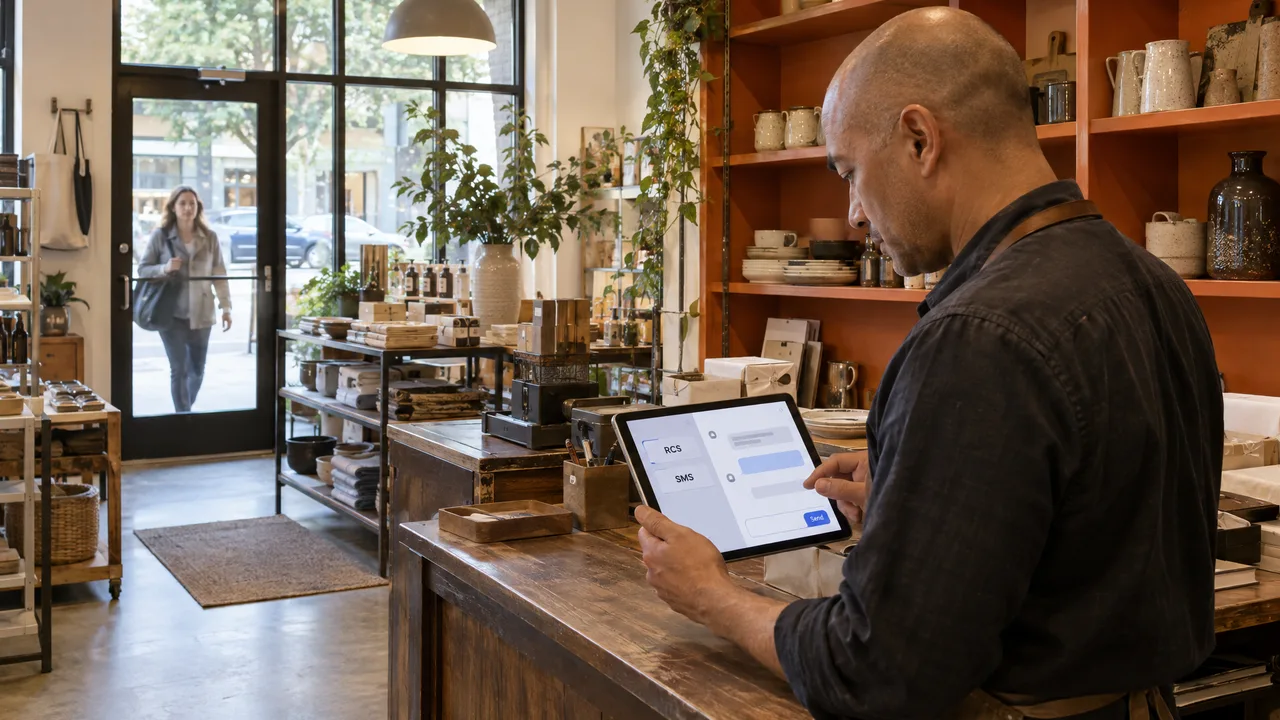
Google RCS for Business lets a verified brand send rich messages (your name, logo, image cards and tap-to-reply buttons) into Google Messages, but only to phones where RCS is switched on, so every campaign also needs an SMS path and a single place for replies to land. The branded send is the part everyone demos. The reply is the part that decides revenue: it arrives on whichever channel the customer’s phone supports, and your team has to be watching that channel.
Table of Contents
- What Happens Between Your Agent and a Customer’s Phone
- Where Branded Messaging Breaks Down
- Launching a Verified Agent Without Losing the Reply
- What the Adoption and Engagement Numbers Prove
- Where Sociocs Fits Around Your RCS Channel
- Frequently Asked Questions
What Happens Between Your Agent and a Customer’s Phone
RCS business messaging runs through an agent. An agent is a registered sender identity that carries your brand name, logo and description. You send through that agent, and the message appears in the customer’s ordinary messaging app as a verified business conversation instead of a bare number.
Before your sender appears, Google has to confirm that the business behind the agent is the business it claims to be. That review is covered in the brand verification guide in Google’s RCS for Business documentation. Verification is what puts your logo on the thread. It does not send a single message for you.
At send time, delivery depends on the recipient. If their phone and carrier have RCS active, they get the rich version. If not, the RCS message has nowhere to go, and the sender has to decide what happens next. The reachable pool is large: Google announced in November 2023 that more than one billion monthly active users had RCS enabled in Google Messages. Large still means partial.
Do not confuse any of this with Google’s older Search and Maps chat product, covered in our piece on what happened to Business Messages. RCS lives inside the phone’s messaging app. That chat product lived inside Google’s own surfaces.
Where Branded Messaging Breaks Down
The first leak is fallback. A campaign built only for RCS goes silent for every customer whose device cannot receive it. A campaign that falls back to SMS loses the cards and buttons, so the fallback copy has to stand on its own as plain text.
The second leak is replies, and it costs more. A customer who taps a suggested reply on RCS answers the agent. A customer who got the SMS version answers your phone number. If those two replies land in two different tools, half of your conversations have no owner.
Google has already shown how quickly a chat surface can shift under a business. Teams that built their workflows around one Google product found that out, as our look at where Business Messages chats ended up explains. Treat RCS as one channel feeding your inbox, never as the inbox itself.
Launching a Verified Agent Without Losing the Reply
- Decide which messages earn rich formatting. Order updates with a tracking button and appointment confirmations with reply chips are good candidates. One-line reminders gain little.
- Write the SMS version of every message first, then add the RCS layer. If the plain-text version cannot do the job alone, the campaign is not ready.
- Gather your brand assets and business details for verification, and make the agent’s name match the name customers already see on your texts and reviews.
- Connect your SMS number and the rest of your channels to one shared inbox before launch, so replies from both paths reach the same team.
- Write a routing rule for every suggested reply: who answers a “Reschedule” tap, and how fast.
- Test on an RCS phone and on a phone without RCS, and reply from both. If either reply fails to land in front of a person, fix that before you send at volume.
If you are still weighing the two channels at the protocol level, our breakdown of RCS and SMS differences covers what each one carries.
What the Adoption and Engagement Numbers Prove
Volume is climbing fast. Google reported that RCS interactions among its US customers rose 1,298.8% year over year, with more than 1.5 billion RCS messages delivered in the country by late July 2026.
Engagement on the rich side looks strong too. The GSMA reported RCS application-to-person use cases reaching open rates of 85 percent or more, with click-through rates over 40 percent higher than comparable SMS campaigns. In a 2019 Vodafone trial, 80 percent of customers read an RCS message and 25 percent responded to the offer. ➀
Read those figures for what they measure: customers who received RCS. None of them describes the customers on the SMS fallback, and none counts replies that went unanswered. A 25 percent response rate is a liability if nobody owns the responses. The same holds for every public channel. A thanked review on Google reviews builds trust only because someone on the team saw it.
Where Sociocs Fits Around Your RCS Channel
Sociocs is a business texting and omnichannel customer engagement platform. We built it for the part RCS leaves to you: the SMS path and the replies.
You pay your provider’s rate directly, with no per-message markup and no message credits. We count each message once rather than per segment. Per-segment billing happens at your provider, and your plan allowance totals incoming, outbound and reply messages together.
Facebook Messenger, Instagram DMs and story replies, WhatsApp Business with click-to-chat, Telegram Business Bot messaging, Google Reviews and Google Q&A all land in that same inbox. So when a customer skips the RCS thread and answers by SMS, WhatsApp or Messenger, the conversation still reaches the team that sent the campaign. For background on Google’s earlier chat channel, see our Business Messages explainer.
Ready to set up the fallback and the inbox before your agent goes live? Talk to our team, or compare the plans.
Frequently Asked Questions
How does RCS for business work?
A brand registers an agent, passes Google’s brand verification, and sends messages through that agent to customers whose phones have RCS active. The customer sees a verified sender with your name and logo, and can tap buttons or reply in the thread. Delivery is not automatic for everyone: the sending side has to handle customers without RCS, usually by sending an SMS version instead. Every campaign you plan should name both versions of the message and one team responsible for the replies each one produces.
Can I use Google Voice for my LLC?
Google Voice gives you a phone number for calls and texts, and businesses do use it. Check Google’s current Voice terms for the setup your LLC needs. Keep the limits in view: a Voice number is not a verified RCS agent, so it carries no branded sender identity, and it is built around individual users rather than a team working one queue.
Can Google Messages use RCS?
Yes. Google Messages is the main app where RCS conversations, including verified business threads, appear on Android. Whether a given customer gets RCS depends on their device, their carrier and whether RCS is turned on in their settings. You cannot assume it from a phone number alone. That uncertainty is the reason your sending setup needs a plain SMS version of every message that matters.
What is the difference between RCS messaging and RCS business messaging?
RCS messaging is the person-to-person upgrade to texting: typing indicators, read receipts, higher-quality media between individuals. RCS business messaging is the application-to-person side, where a verified brand agent sends rich cards, carousels and suggested replies to customers. The protocol underneath is shared. The difference is identity and intent: business messaging requires brand verification and an agent, and it carries commercial traffic, so it comes with the fallback and reply-handling duties that personal chats never need.