Automated Texting Earns Its Keep When a Customer Moves First
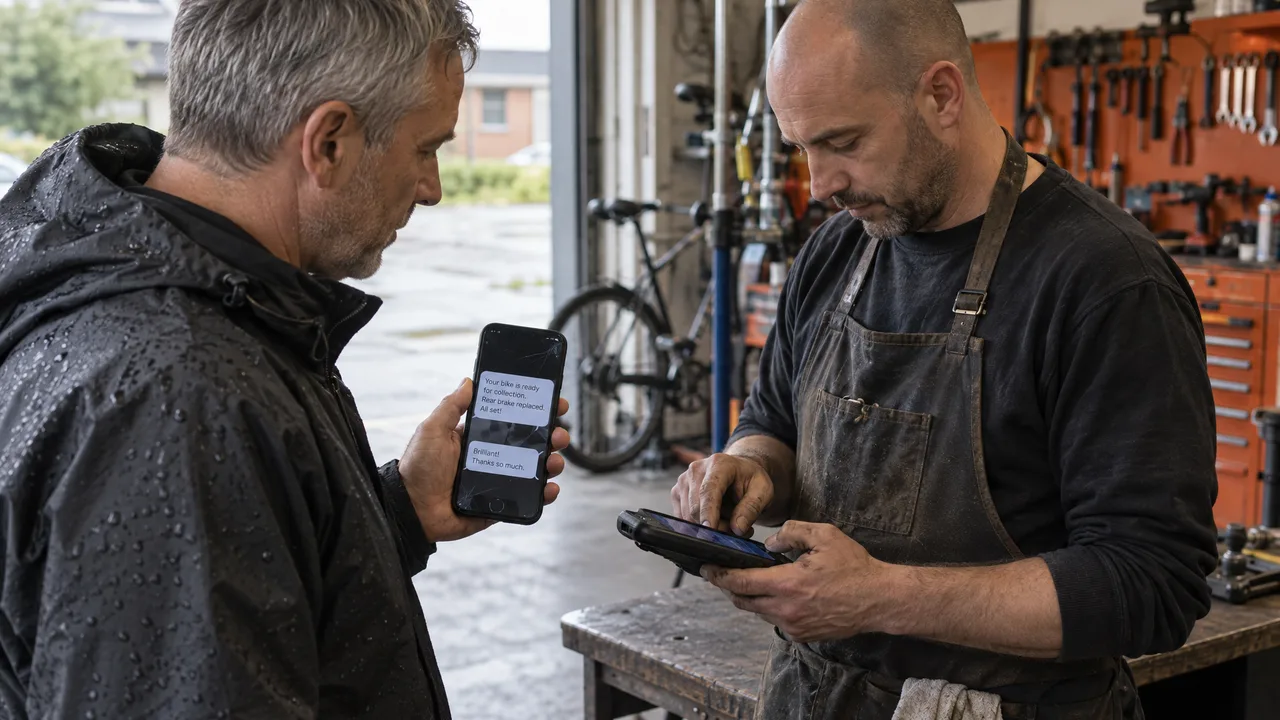
Automated texts are messages your software sends when a rule fires, and the ones that pay off fire on something a customer just did: submitted a form, booked a slot, left a review, asked a question. A promo blasted at a list on a timer is the weakest use of the tool. The trigger decides whether a text gets read, and the inbox behind it decides whether the reply turns into revenue.
Table of Contents
- A Message Sent by a Rule, Not a Person
- Trigger, Template, Route: The Machinery Behind Every Send
- Build Triggered Replies Before You Build Campaigns
- Old Broadcast Habits That Break Modern Automation
- Choosing Between a Trigger, a Broadcast and a Human
- Where Sociocs Fits in Your Messaging Stack
- Frequently Asked Questions
A Message Sent by a Rule, Not a Person
An automated text is a message a system sends without anyone typing it, fired by a rule such as a time, a keyword, a form submission, a booking, or an inbound message. It serves any team that sends the same kind of message more often than a person can type it, from appointment confirmations to the first answer on a Saturday-night inquiry. It differs from bulk SMS, which pushes one message to a list at a chosen moment, and from a chatbot, which tries to run the whole conversation: an automation decides when to speak and what to say first, then hands the rest to a person. That label carries legal weight: in February 2024 the FCC adopted new rules under the Telephone Consumer Protection Act (TCPA) that prescribe how a text sender must process requests to opt out of future automated communications, according to a Lerman Senter summary. And because one template reaches thousands of phones unattended, its wording deserves scrutiny a one-off text never gets, which is why we think twice about every abbreviation in copy that runs on its own. ➀
Trigger, Template, Route: The Machinery Behind Every Send
Every automated send has three moving parts. The trigger is an event your systems can see: a row added to a form table, a calendar slot filled, a keyword texted to your number, a review posted. The template is the message with merge fields that pull in the customer’s name, the time, the service. The route is the registered sender and the carrier path the message travels.
Early business texting treated the route as a one-way pipe. Alerts went out from numbers that said “do not reply,” and nobody expected an answer. That model is obsolete. Customers reply to everything now, including automated reminders, and the reply goes back to the exact number that sent the message. If that number isn’t connected to an inbox a person watches, the most valuable message in the whole sequence, the customer’s answer, lands nowhere.
Volume makes this worse, not better. Wireless networks carried 42 billion more SMS and MMS messages in CTIA’s latest annual survey, as shared on LinkedIn. A generic broadcast competes with all of that traffic for a glance. A text that says “We got your request for Thursday” competes with nothing, because the customer is waiting for it.
Templates have a cost mechanism most teams discover late. Long messages split into segments at the CPaaS provider, and characters outside the standard set (many emoji among them) shrink how much fits in each one. The pressure to stay inside one segment is what drives shortcuts when texting, and a cryptic automated text costs more in confused replies and opt-outs than the extra segment ever would.
Build Triggered Replies Before You Build Campaigns
- List the moments your customers already create. A web form arrives, a call goes unanswered, a booking lands from your automated phone booking system, a review posts, someone asks a price in Instagram DMs. Each one is a trigger carrying context you can merge into the message.
- Answer on the channel the customer chose. A WhatsApp question gets a WhatsApp reply, and a form submitter who gave a mobile number and consented gets a text. Pushing someone to a new channel at the first touch is friction you created.
- Register the sender for the traffic you will send. For U.S. SMS, carriers read the 10DLC campaign you declared against the traffic they observe, so describe the triggered, transactional replies you plan and update the record before you add promotional sends.
- Write one template per trigger. Name the business in the first words, reference the event (“your request for Thursday at 3”), give one next action, and say how to stop. Use full words.
- Decide where the reply goes before you switch anything on. Every template should assume an answer, and someone on the team should own those answers during the hours the automation runs.
- Record opt-outs against the person, not the sequence. A stop request in one flow should suppress every other automated flow that person sits in.
- Add campaigns last. Once triggered replies run cleanly, send scheduled broadcasts only to segments that opted in to hear them.
Old Broadcast Habits That Break Modern Automation
Scheduling a weekly blast and calling it automation copies the newsletter model onto a channel built for conversation. The list grows stale, the message ignores what each person did last week, and the opt-out rate climbs with every send. Carriers notice that pattern on your number too. Reserve the schedule for news that is time-bound, and let events drive everything else.
A sender number nobody watches turns every reply into a dead end. The customer answers your reminder with “can we move it to 4?”, hears nothing, and calls a competitor. Your automation did its job and you lost the booking anyway. Connect the sending number to a shared inbox and assign an owner before the first message goes out.
On Facebook, the old instinct is to map automated questions into a decision tree with five layers of buttons. Customers skip the buttons and type their real question, the tree replies with a menu, and the loop repeats. A good Messenger automated reply answers the predictable question once, then routes anything off-script to a person. One answer and a handoff beat a maze.
Treating each channel’s opt-outs as a separate list is a leftover from the days when SMS was the only automated channel. A customer who asked you to stop texting does not expect a WhatsApp nudge an hour later. Store the request where every channel’s automation can read it. The opt-out obligations around automated communications make this a compliance question, not a courtesy.
Copy written to squeeze under a character limit is the last habit worth killing. Write the full sentence and let the provider bill the extra segment.
Choosing Between a Trigger, a Broadcast and a Human
Use a triggered automated reply when the event repeats, the first answer is predictable, and speed matters more than nuance. Booking confirmations, form acknowledgments, missed-call follow-ups, review thank-yous and “we’re open again” replies all fit. For you, this outcome means customers get an answer in seconds and your team starts the conversation already holding the context.
Keep a human typing when the message carries money, risk or emotion: a complaint, a refund dispute, a negotiated quote, anything a regulator might read later. Automated SMS messaging can still open these threads with an acknowledgment, but the substance has to come from a person. Tone matters here in a way templates can’t carry, and the rules for abbreviations in text messaging shift with it: a regular who knows your front desk will read a casual reply as warmth, and a stranger receiving the same words from a template will read it as carelessness.
Scheduled broadcasts still have a legitimate job. A holiday closure, a flash sale, a weather delay or a product recall belongs in front of an opted-in list at a chosen moment. If you send one, expect replies and staff for them, because a broadcast to thousands generates a wave of individual conversations the minute it lands. Choosing the broadcast means accepting that workload; choosing not to staff it means accepting the lost replies.
Where Sociocs Fits in Your Messaging Stack
Sociocs puts the automated text and the human reply in one inbox shared by the team. You pay the provider’s rate with no per-message markup, and you can switch between the three without being locked into one carrier’s pricing or terms. We count each message once rather than per segment; per-segment billing happens at your provider, and plan allowances total incoming, outbound and reply messages.
The triggers this article recommends live on more than one channel, so the inbox does too. The same inbox carries WhatsApp Business messaging with click-to-chat and Facebook Messenger comments, direct chat and web chat. It also holds Instagram DMs, story mentions and story replies, Google Reviews and Google Q&A, and Telegram Business Bot messaging. Our online form builder, with spam blocking and a no-code API, turns a submission into a conversation in the same place.
One limit worth knowing before you choose a plan: bulk text messaging (SMS, MMS and WhatsApp), contact lists and segments, and auto actions are listed on Standard, Premium and Custom, and the Free plan does not include bulk messaging. Premium and Custom add an appointment confirmation bot, a review notification bot and custom workflow automation. If you text customers in more than one language, the same reply-first logic applies to multilingual bulk text: every broadcast needs a reply path in the language it was sent in.
If your current setup sends texts that customers answer into a void, that is the gap to close first. Tell us what your texts fire on today. Our contact page states “Response Time Under 24 hours.” Plans and inclusions are on the pricing page.
Frequently Asked Questions
Can I make an automated text message?
Yes, and the template is the easy part. A business-grade automated text needs four pieces in place: a sender number registered for the kind of traffic you plan to send, a trigger your systems can detect, consent from the person receiving it, and a named owner for the replies. Skipping the last piece is how teams end up with automations that technically work and commercially fail. Start with one trigger, such as a form acknowledgment, run it for a couple of weeks, read the replies it produces, and fix the copy before you add a second flow.
What is the best app for automated text messaging?
The right app is the one where the automated text and the customer’s answer land in the same place your team already works. Judge any option on three questions: can it fire on events from your forms, bookings and reviews rather than only on a schedule; does it put WhatsApp, Messenger and Instagram replies beside SMS; and do you own the carrier account underneath it. An SMS-only campaign tool covers the send and leaves every other channel in a separate tab. We built Sociocs to answer all three questions in one inbox.
What is an automated text message?
From the recipient’s side, it is application-to-person traffic: a message generated by a business system rather than typed on a handset, sent from a number the carriers expect to be registered to that business. A well-built one identifies the sender, refers to something the recipient did, offers one clear next step, and honors a request to stop. The recipient usually cannot tell whether a person or a rule sent it, which is exactly why the reply path matters. Whatever they type back deserves a human answer.